 German
  English
  Russian
  Japanese
  Korean
  Spanish
  French
  Italian
  Portuguese
 Kurze Antwort:
G01 is the linear interpolation command in CNC programming. It directs the cutting axis to travel from one programmed coordinate to the next in a straight line at a specified feed rate. Unlike G00, which moves at rapid traverse speed, G01 engages the spindle and feeds material at a controlled, cuttable rate. This makes it the primary G-code for material removal in CNC-Bearbeitung. Feed rate, work offset, and modal state all influence how G01 performs on the shop floor. Getting these parameters right directly affects dimensional accuracy, tool life, and part quality.
Most machinists call G01 thousands of times per program, yet small errors in feed selection or work offset setup can quietly degrade a full batch of parts. YPMFG engineers review customer G-code for custom machined parts to catch these issues before first-article production. The sections below explain what G01 does mechanically, how it differs from G00, and where mistakes most often surface.
How G01 Works in a CNC Machine
G01 tells the controller to move the tool along a straight-line path between two programmed points. The controller calculates intermediate positions and commands each axis to move simultaneously at the programmed feed rate.
The command is modal. Once G01 is active, it stays in effect until another motion code such as G00, G02, or G03 replaces it. Programmers often place G01 at the top of a subroutine or immediately after a G00 positioning move.
Key behavioral points to keep in mind:
Spindle must be on (M03 or M04) before a G01 cutting move begins.
Coolant (M08 or M09) is typically activated on the same block or just prior.
Feed rate units depend on G20 (inches) or G21 (metric) mode.
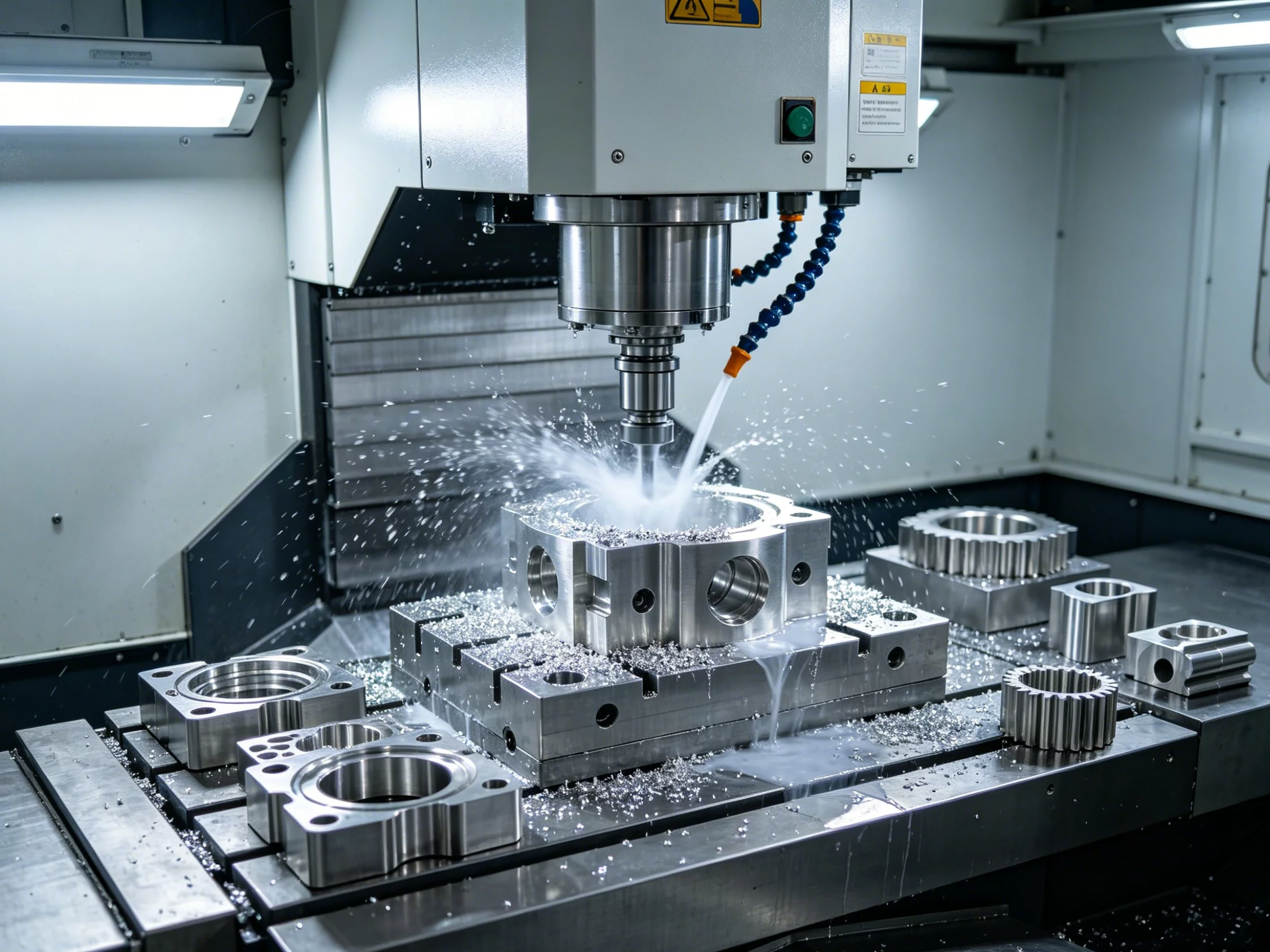
A missing F word causes the machine to use the last stored feed, which may not match your intent.
G01 vs. G00: A Quick Comparison
G00 moves the tool at maximum rapid traverse speed with no material removal. G01 moves at a programmed feed rate and is designed for actual cutting. Confusing the two is one of the most common sources of air cuts or unexpected tool engagement on the floor.
The split is simple: use G00 to position the tool near the workpiece, then switch to G01 for the cut. YPMFG programmers standardize this sequence in every CNC program they release to the floor to eliminate rapid-into-cut errors.
Feed Rate, Surface Finish, and Tool Life
Feed rate is the single G01 parameter that most directly shapes Oberflächenbeschaffenheit and tool wear. A higher F value removes more material per revolution but leaves a more visible step pattern. A lower feed produces a smoother finish yet increases cycle time and can cause built-up edge on soft alloys.
The right F value depends on material, tool diameter, depth of cut, and spindle RPM. For CNC-Drehen of 6061 aluminum, feeds between 0.1 and 0.3 mm/rev are typical for a finishing pass. For milling 4140 steel, 0.05–0.15 mm/tooth may be more appropriate. Always verify against the tool vendor’s recommended cutting parameters before locking in a program.
In many cases, a feed override on the machine panel (80–120 %) lets the operator fine-tune finish without rewriting the program. YPMFG documents the recommended override range on every machined component it ships so shop-floor teams can adjust without guessing.
Common G01 Programming Mistakes to Avoid
Even experienced programmers hit these errors regularly:
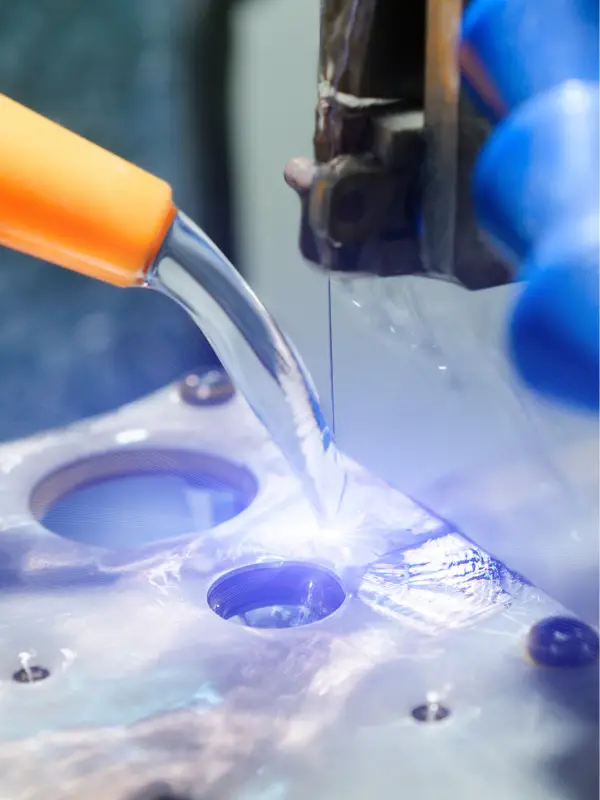
Missing F word after a tool change. The machine uses the last stored feed, which may belong to a different tool. Always place an explicit F on the first G01 block.
G01 without M03 or M04. The tool scores the workpiece instead of cutting,producing a rough, damaged surface.
Wrong G20/G21 mode. A metric program run under inch mode feeds 25.4× faster than intended. Verify the mode at program start.
Overlapping work offsets. G54, G55, and other WCS calls can stack, shifting every G01 move by the offset difference.
Cutter compensation not cancelled. G41 or G42 must be cleared before a G00 rapid move, or the tool can crash into the workpiece.
Working through these five checks before releasing a program prevents the majority of scrap and machine alarms. YPMFG includes a pre-run G-code review checklist with every custom part order so in-house teams can catch issues early.
Questions Machinists and Buyers Often Ask
Does G01 work the same on turning lathes and 3-axis mills?
Yes, the command structure is identical, but the active axis set differs. On a lathe, G01 typically drives X and Z. On a 3-axis mill, it drives X, Y, and Z. Feed units and cutter compensation rules also vary between the two.
Can I use G01 for peck drilling?
Peck drilling usually runs on canned cycles such as G73 or G83, which internally call G01 for each feed advance. If you write the peck manually, each advance leg is a G01 move at the drilling feed rate.
What happens if I omit the F word on a G01 block?
The controller uses the last stored F value. If that value came from a different tool or a faster cut, the machine feeds at an unintended rate. Always place an explicit F on the first G01 after any tool or mode change.
Is G01 modal on every CNC controller?
On Fanuc, Siemens, Haas, and most industrial controllers, G01 is modal. Some hobby-controller firmwares treat every motion block as non-modal, so the G01 word must appear on each block. Check your controller manual.
How do I verify a G01 program before cutting a real part?
Run the program in simulation with the correct post-processor and tool library. Step through the first and last G01 blocks at 5 % feed override on the machine before full-speed production. YPMFG runs post-processing simulation on every program it delivers.
Finding the Right CNC Partner for Your Part
Getting G01 right is one piece of a reliable CNC-Bearbeitung process. The other pieces include material selection, toolpath strategy, fixturing, and first-article inspection. When your design calls for tight tolerances, thin-wall features, or mixed-material assemblies, the partner you choose matters as much as the code itself.
YPMFG reviews every set of drawings and G-code before cutting. The team checks feed rates, tool selection, work offsets, and post-processor output against your specified tolerances and material. You can send your technical specifications, CAD files, and any existing G-code to YPMFG for an engineering review and a CNC machined parts quote. The goal is to catch issues on paper before they become scrap on the floor.
If you are comparing several suppliers, ask each one to walk you through their G01 feed logic, simulation process, and inspection report format. The answers tell you more about their quality system than any marketing claim.