 Spanish
  English
  German
  Russian
  Japanese
  Korean
  French
  Italian
  Portuguese
 Respuesta rápida:
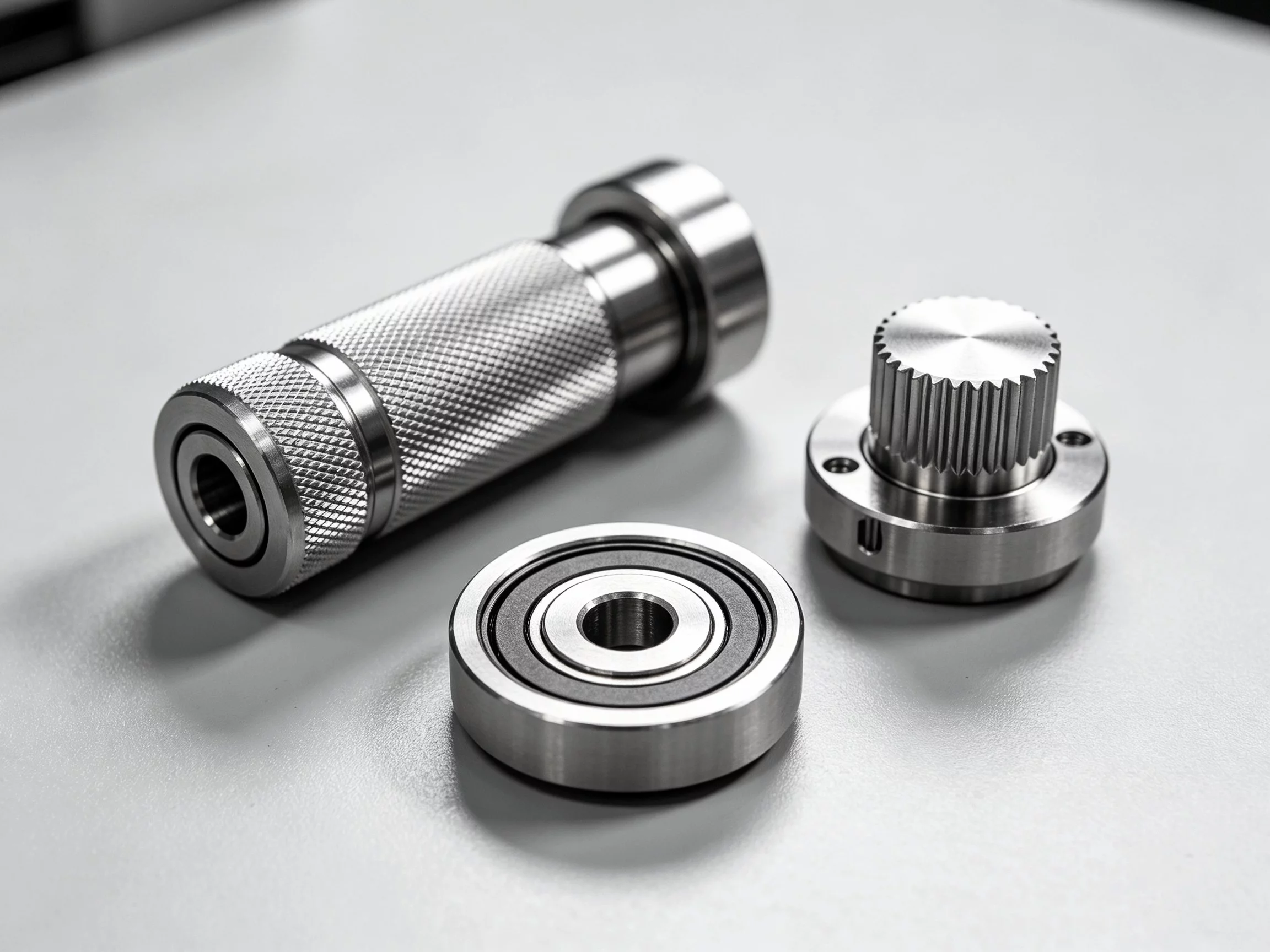
G-code is the machine language that tells a CNC router or milling machine exactly where to move, how fast to feed, and when to cut. Each line is a short command string—G01 for a linear cut, M03 for spindle on—that the controller translates into physical tool motion. For Piezas mecanizadas con CNC, G-code is the final bridge between your CAD model and the finished component. You rarely write it by hand; CAM software generates it. But understanding the structure helps you catch errors and tighten cycle times before a program reaches the shop floor.
Most buyers ordering Componentes mecanizados con CNC never open a G-code file. That is fine for standard runs. But if you are prototyping, sending files to a job shop, or debugging a program, knowing how the code works saves real time and prevents scrapped parts. YPMFG handles custom CNC parts daily, and a notable share of incoming programs carry small G-code gaps that delay production. This breakdown covers what you actually need to know.
Índice
What G-Code Does on a CNC Machine
Key Commands Every Buyer Should Recognize
G-Code for Mecanizado CNC vs. 3D Printing
Common G-Code Mistakes That Cost Money
Practical Questions Before Working With G-Code
Tomar una mejor decisión a largo plazo
What G-Code Does on a CNC Machine
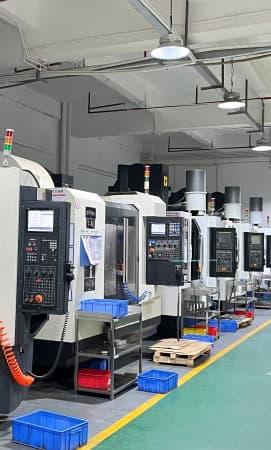
G-code drives every axis move on a multi-axis CNC milling machine. A typical program opens with a header that sets units, selects the tool, and establishes the working coordinate system. From there, each line tells the controller one specific action.
The three core functions are:
G00 / G01 – rapid reposition or linear cut at feed rate
G02 / G03 – clockwise or counterclockwise arc interpolation
M-codes – auxiliary commands: spindle on/off, coolant, tool change, program end
Without G-code, a CAM file is just a set of points. The controller needs these discrete instructions to convert 3D geometry into real toolpath. Keep in mind that G-code is machine-specific; a program written for a 3-axis mill will not run unchanged on a 5-axis head.
Key Commands Every Buyer Should Recognize
If your CAM output skips M05 before a tool change, or forgets coolant for a high-speed steel cut, the consequence is not a minor hiccup. It is a broken tool or a scrapped part. YPMFG’s engineering team reviews incoming G-code for exactly these gaps before any job is scheduled, so small oversights do not become expensive rework.
G-Code for CNC Machining vs. 3D Printing
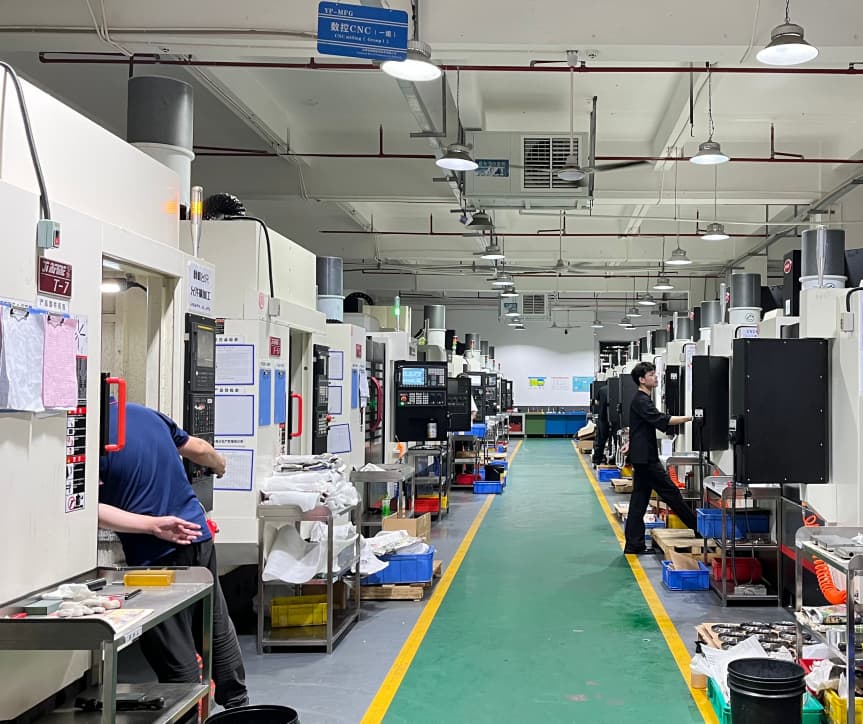
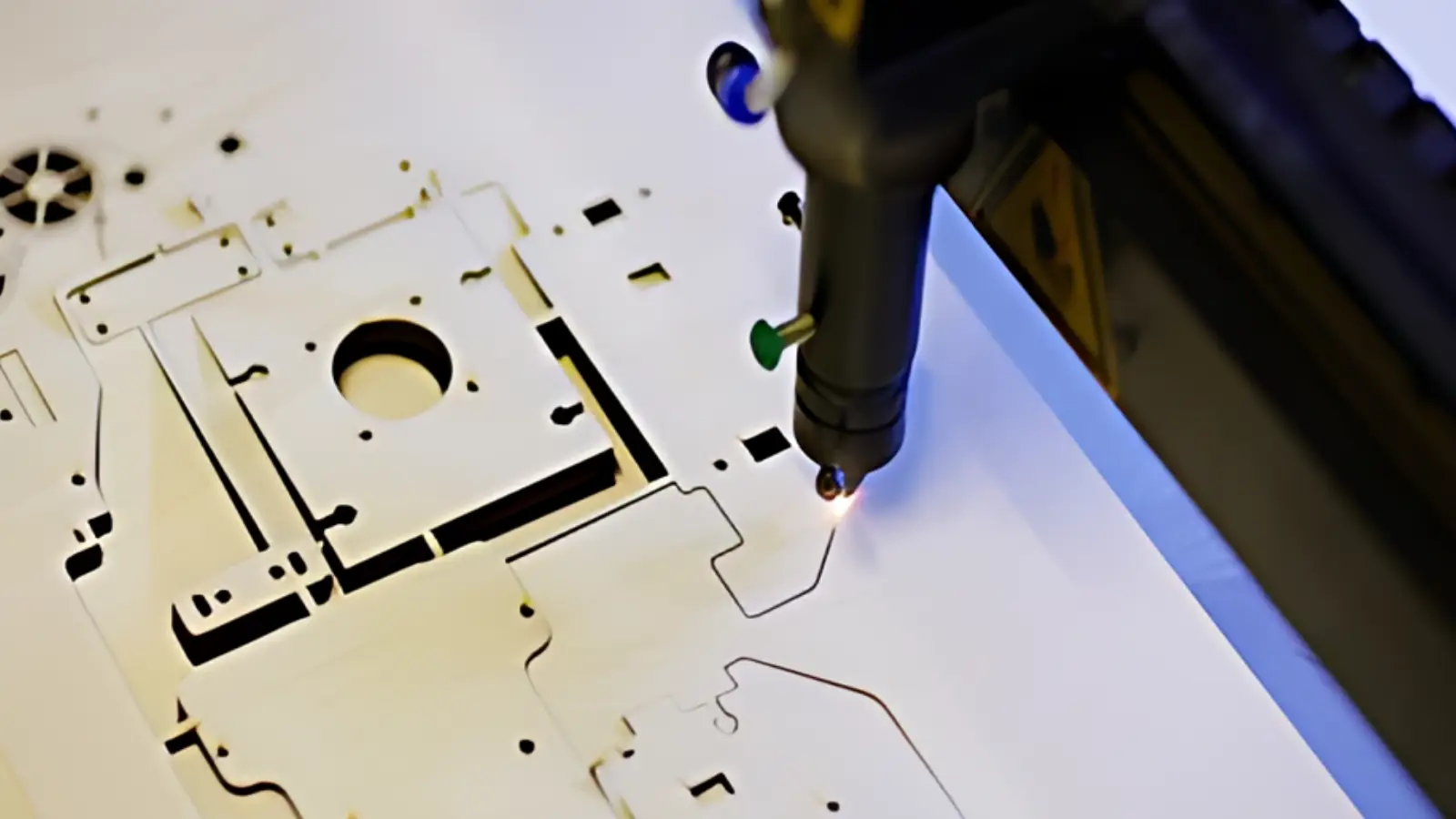
Same letter, very different machine. In Mecanizado de piezas CNC, G-code drives subtractive material removal from solid stock. In 3D printing (FDM, SLA, SLS), an equivalent file drives additive layer deposition. The syntax overlaps—G00, G01, and E-words for extrusion—but the coordinate systems, tool-change logic, and material behavior are fundamentally different.
Sending a 3D-printer G-code file to a milling shop will not work. The controller interprets moves in XYZ with a cutting tool, not a heated nozzle. Always confirm the file targets the correct post-processor for your machine.
Common G-Code Mistakes That Cost Money
Wrong post-processor – A file generated for a Haas controller sent to a Fanuc machine will misread M-code sequences.
Missing G21 / G20 – If the units default shifts, every dimension is off by a factor of 25.4.
Unclamped feed rates – An F-word with no value inherits the last feed, which may be too fast for the current cut.
No G43 retract before tool change – The spindle can drop into the workpiece.
Each of these is a one-line fix in the editor. In production, a single error means hours of rework or a lost part. Running a visual simulation in your CAM package catches the majority of these issues before the program reaches the floor.
Practical Questions Before Working With G-Code
Can I just send a STEP or DXF and skip G-code entirely?
For most outsourced Servicio de mecanizado CNC work, yes. Send your 3D model plus material, tolerance, and surface-finish notes. The shop’s CAM operator writes the G-code. You only need the code if you are running the machine in-house.
How many lines does a typical part generate?
A simple bracket might produce 200 to 500 lines. A multi-axis aerospace fitting can exceed 50,000. Line count alone tells you nothing about cycle time or part quality.
Do I need to read G-code to verify a CAM program?
You do not need to hand-write it. Recognizing G01, G02, and M03 helps you confirm the toolpath matches your design intent before you release the file to production.
What file extension should I use?
NC, NCL, or TXT are the most common. Confirm your shop’s CAM system accepts the extension. Some controllers also read .g or .tap files.
Making a Better Long-Term Decision With G-Code
Whether you are sending files to an external shop or running your own Servicio de mecanizado CNC, G-code is where design intent meets physical metal. A clean, well-structured program means fewer setups, less chatter, and parts that hit tolerance on the first pass.
If you would like a second set of eyes on a file before it hits the shop floor, send your G-code or CAM output to YPMFG. Their engineers can flag missing retracts, unit mismatches, or tool-change logic errors, and suggest adjustments that shorten cycle time without sacrificing finish quality. A quick review typically takes one to two days.