Russian
  English
  German
  Japanese
  Korean
  Spanish
  French
  Italian
  Portuguese
Правая сторона CNC router software depends on three things: the materials you cut,the complexity of your parts, and your daily output. For most shops, a CAD design tool paired with a CAM nesting module and a compatible post-processor covers the full workflow.
The most expensive option is rarely the right fit. YPMFG helps buyers align software choices with the specific machining tasks they actually run, so you avoid paying for features that sit unused.
Purchasing CNC router software feels straightforward until you compare vendors. Licenses, seat counts, file-format support, and post-processor compatibility create a web of decisions. One wrong pick means rework, idle machine time, or a mid-project upgrade.
The sections below break down what to check before you sign anything.
What CNC Router Software Actually Controls
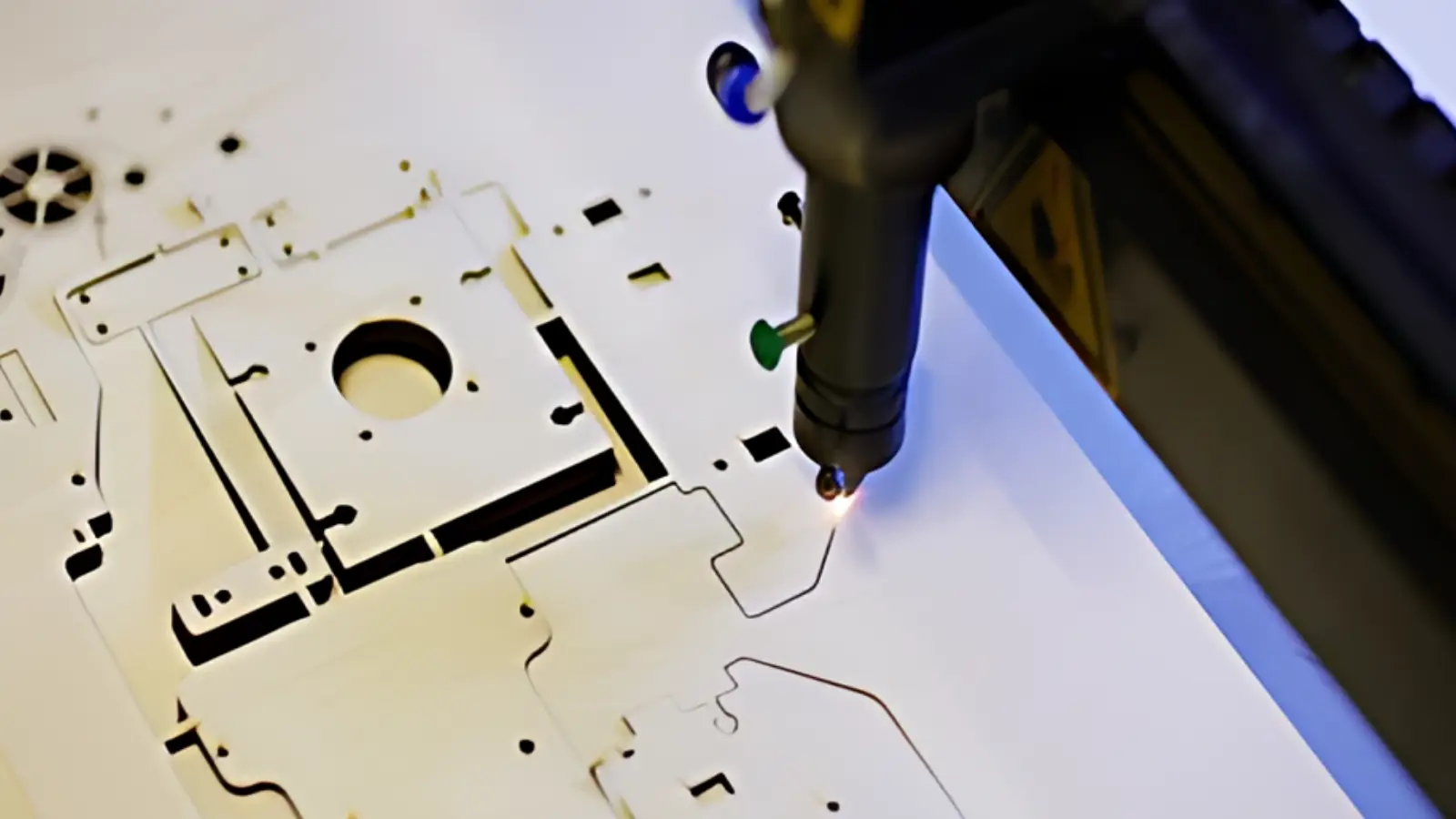
A CNC router controller reads G-код and drives the X, Y, and Z axes plus the spindle or laser head. The software you buy determines how that G-code gets generated. It also shapes how you import designs, manage tool paths, and handle tool changes mid-job.
For a single-operator shop, a lightweight interface that loads DXF or STEP files and outputs clean G-code may be all you need. For a multi-operator facility running job-shop machining with mixed materials, you will want nesting algorithms, multi-axis simulation, and batch scheduling built in.
The gap between those two scenarios is where most buyers get confused. They buy a 5-axis enterprise package for a 3-axis router and wonder why the ROI never materializes.
Main Software Categories at a Glance
Большинство CNC router software falls into three functional groups. Understanding which group you need saves both money and onboarding time.
Choose the category that matches your current bottleneck. If your designs are already clean and you only need tool paths, a standalone CAM tool is enough. Add the design module only when you start creating geometry in-house.
How to Match Software to Your Workflow
Before opening a purchase order, answer these questions in writing:
Что file formats do you currently receive from customers? (DXF, STEP, AI, PDF, 3D prints?)
How many operators will use the software simultaneously?
Какой router controller and firmware version do you run?
Do you need simulation and collision checking before the first cut?
What is your weekly output target in parts or board-hours?
The answers narrow the field quickly. A shop running 50 simple signs per week needs a different tool than one doing 200 machined алюминиевые детали with tight tolerances.

YPMFG supports buyers who are uncertain about this mapping. Send your material list, part drawings, and controller specs, and you will receive a written recommendation on which software tier fits without overspending.
Mistakes That Cost Shops Money
Three patterns show up again and again in buyer conversations:
Buying software before confirming постпроцессор compatibility with the existing controller. The result is a week of trial-and-error or a paid third-party bridge.
Ignoring seat licensing. A “single-user” license shared across two machines voids support and risks a compliance letter.
Skipping the G-code dry run. Without simulation, a bad tool path can destroy a $4,000 bit set or warp a finished panel.
Each of these is preventable with a 30-minute compatibility check before payment.
Practical Questions Before You Buy
Does the software support my router’s specific controller?
Check the vendor’s post-processor library by controller brand and firmware version. If your model is not listed, ask whether a custom post is available and who maintains it after each firmware release.
Can I import the file formats my customers actually send?
Confirm support for DXF, STEP, AI, and PDF at minimum. Some tools accept these natively, while others require a paid plugin or an extra import module.
What happens when I add a second machine next year?
Verify whether the license is machine-locked or portable. A portable license with a named-user cap saves you a full repurchase when you expand the floor.
Is onboarding support included, or is it a separate cost?
Ask about training hours, video library access, and whether a dedicated engineer reviews your first three production jobs. Written documentation of that process protects you from onboarding delays.
Getting a Clearer Picture
The right CNC router software is not the most feature-rich package on the shelf. It is the one that matches your controller, your part types, and your operator count without leaving dead weight in the license fee.
If you want a second pair of eyes, send your part drawings, material specs, and current controller model to YPMFG. You will receive a written assessment of which software tier fits, what to verify before purchase, and where to trim features you do not need.