 English
  German
  Russian
  Japanese
  Korean
  Spanish
  French
  Italian
  Portuguese
 Quick answer: CNC prototyping uses computer-controlled milling, turning, or hybrid operations to produce functional parts directly from digital CAD models. Unlike additive methods, it handles metals, engineering plastics, and composites with tolerances typically down to ±0.01 mm. Before placing an order, verify five points: material grade selection, tolerance stack-up, geometry feasibility, surface finish, and batch quantity. Getting any of these wrong on the first run delays validation and adds cost. A short engineering review before machining begins is the single most effective way to avoid rework.
Most prototype projects stall for one simple reason: the spec sheet is incomplete. A missing tolerance note or an ambiguous material grade forces a rework cycle that costs two to three weeks. YPMFG supports engineers who need CNC prototyping that moves from CAD file to validated part without that gap. This guide covers the five checks that keep your first run on schedule.
What CNC Prototyping Actually Covers
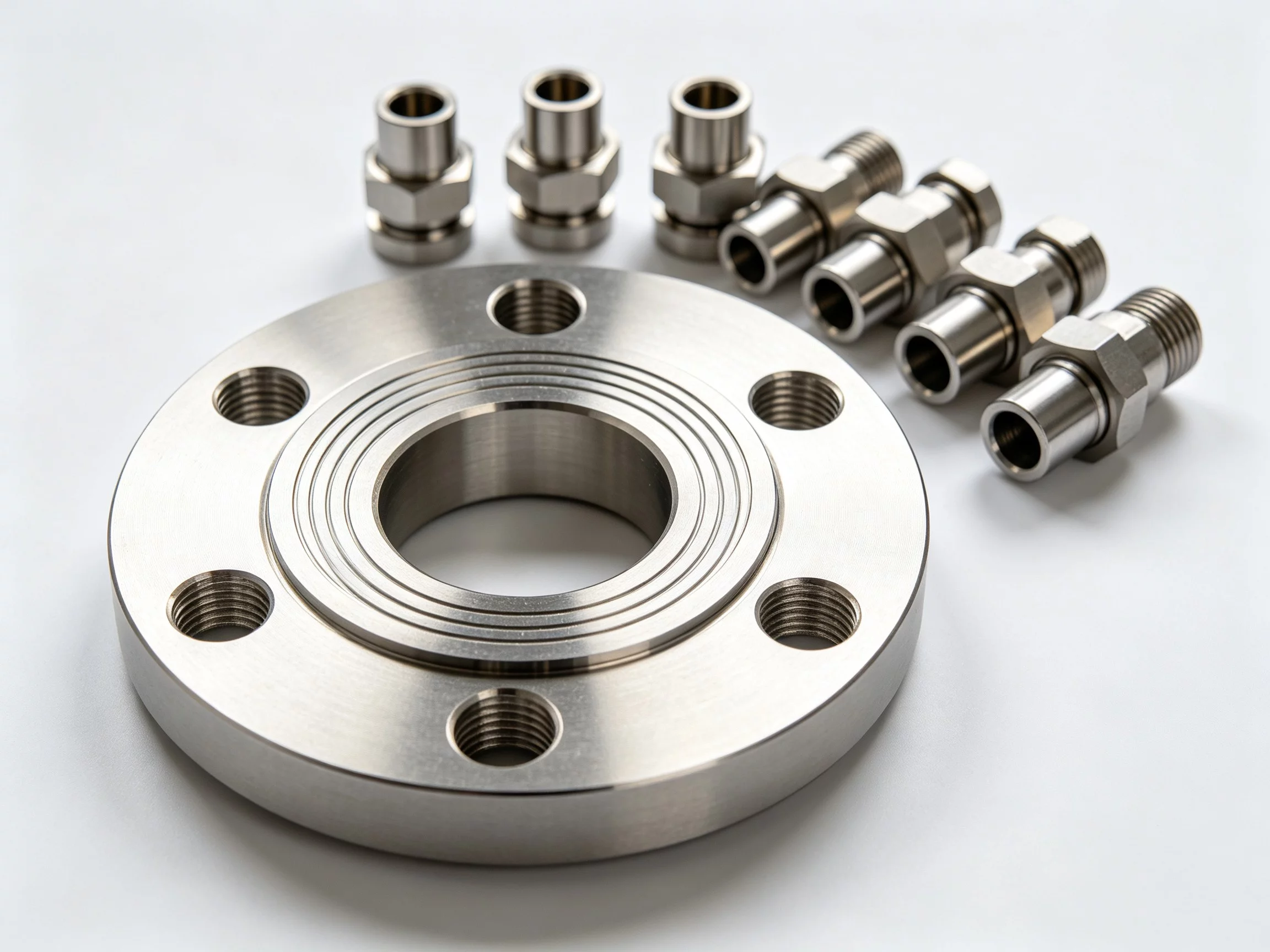
CNC prototyping is not a single process. It spans 3-axis milling, 5-axis milling, CNC turning, and hybrid mill-turn operations on the same machine. The right process depends on part geometry, material, and tolerance demands. A simple bracket may need only 3-axis milling. A turbine housing or impeller calls for 5-axis capability to reach internal features in one setup.
The material range is wide: aluminium alloys,steels, titanium, copper, PEEK, and carbon-fibre-reinforced polymers. Each material changes the cutting strategy, tool selection, and achievable tolerance. Knowing which process fits your part saves time in the quoting stage.
The 5 Checks Before You Order
Run through this list before sending a CAD file to any shop. Each row is a failure point you can catch on a Tuesday instead of after a two-week lead time.

YPMFG can run a quick design-for-manufacturability review on your CAD file and flag any of these five points before material is cut. That review typically takes one to two business days.
Common Mistakes That Waste Budget
The most expensive error is under-specifying tolerances on critical faces while leaving non-critical faces at default machine accuracy. The result: the part looks fine but the assembly gap is wrong. Always call out the two or three tolerance values that matter to function.
A second frequent mistake is ignoring grain direction or anisotropy in sheet or plate materials. A part that fits in one orientation fails when flipped. If the material matters, state the grain direction or roll direction on the drawing.
Finally, skipping the engineering review step means you discover a tool-collision or chip-geometry issue only after the part is on the spindle. A 30-minute call with the machinist before the first cut catches most of these.
From Prototype to Small Batch

Prototype-to-production transition is where most teams lose money. A part that works as a single unit may need a different fixturing strategy, a revised tool path, or a changed feed rate at 50 units. Define the target quantity up front so the shop designs the fixture for the end state, not the first piece.
If your project will scale, ask the vendor to document the tool path, setup sheet, and inspection report during the prototype run. Those records become the production baseline and cut ramp-up time. CNC machining services providers that keep these records as standard are easier to work with at scale.
Questions Buyers Often Ask
How many prototypes do I need before I can trust the design?
Typically one functional prototype plus two tolerance-verification units. The first proves geometry; the next two confirm that the machining process is repeatable at the stated tolerance.
Can I switch materials after the first prototype run?
Yes, but re-qualify the tool path and cutting parameters. A material change from aluminium 6061 to titanium Ti-6Al-4V, for example, alters feed speed by 40–60 percent and may require a different tool coating.
What file formats does the shop actually need?
A STEP or IGES 3D model is the minimum. Add a 2D drawing with tolerance callouts, material spec, and finish requirements. PDF drawings alone are not sufficient for programming the machine.
Is a prototype lead time of one week realistic?
For a simple aluminium bracket with no special finish, one week is achievable if the material is in stock and no design changes occur. Complex titanium parts with 5-axis operations typically run three to five weeks.
Choosing the Right Prototyping Partner
The goal of a first CNC prototype is to de-risk your design before committing to tooling or production volume. The partner you choose should be able to read your CAD file, flag manufacturability issues early, and deliver a documented inspection report with every part.
Send your specification, material callout, and tolerance notes to YPMFG for a review. The team will confirm which process fits your geometry, estimate lead time, and identify any design changes that would save cost without sacrificing function. That single conversation is often the difference between a clean first run and a rework cycle.