 English
  German
  Russian
  Japanese
  Korean
  Spanish
  French
  Italian
  Portuguese
Quick answer:
The M00 code is a program stop command in CNC machining that pauses the machine spindle, coolant, and feed while keeping the program active. Unlike M02 or M30, which end the program, M00 allows operators to inspect the part, measure dimensions, or reload material and then resume the operation by pressing the cycle start button. It is a fundamental tool control command used across Fanuc, Haas, Mazak, and other major CNC controller platforms.
For machinists and CNC programmers, understanding how M00 works and when to apply it correctly is essential for maintaining part quality, ensuring operator safety, and avoiding costly rework or crashes during multi-step machining operations.
At YPMFG, we work with precision manufacturers and engineering teams who require tight tolerances and repeatable quality across every produced component. A single improperly placed program stop can cause dimensional drift, surface finish defects, or unintended tool wear. This article breaks down the M00 CNC code from a practical manufacturing standpoint, covering its function, correct application, comparison with related commands, and the risks that come from misuse.
What Is the M00 CNC Code and How Does It Work
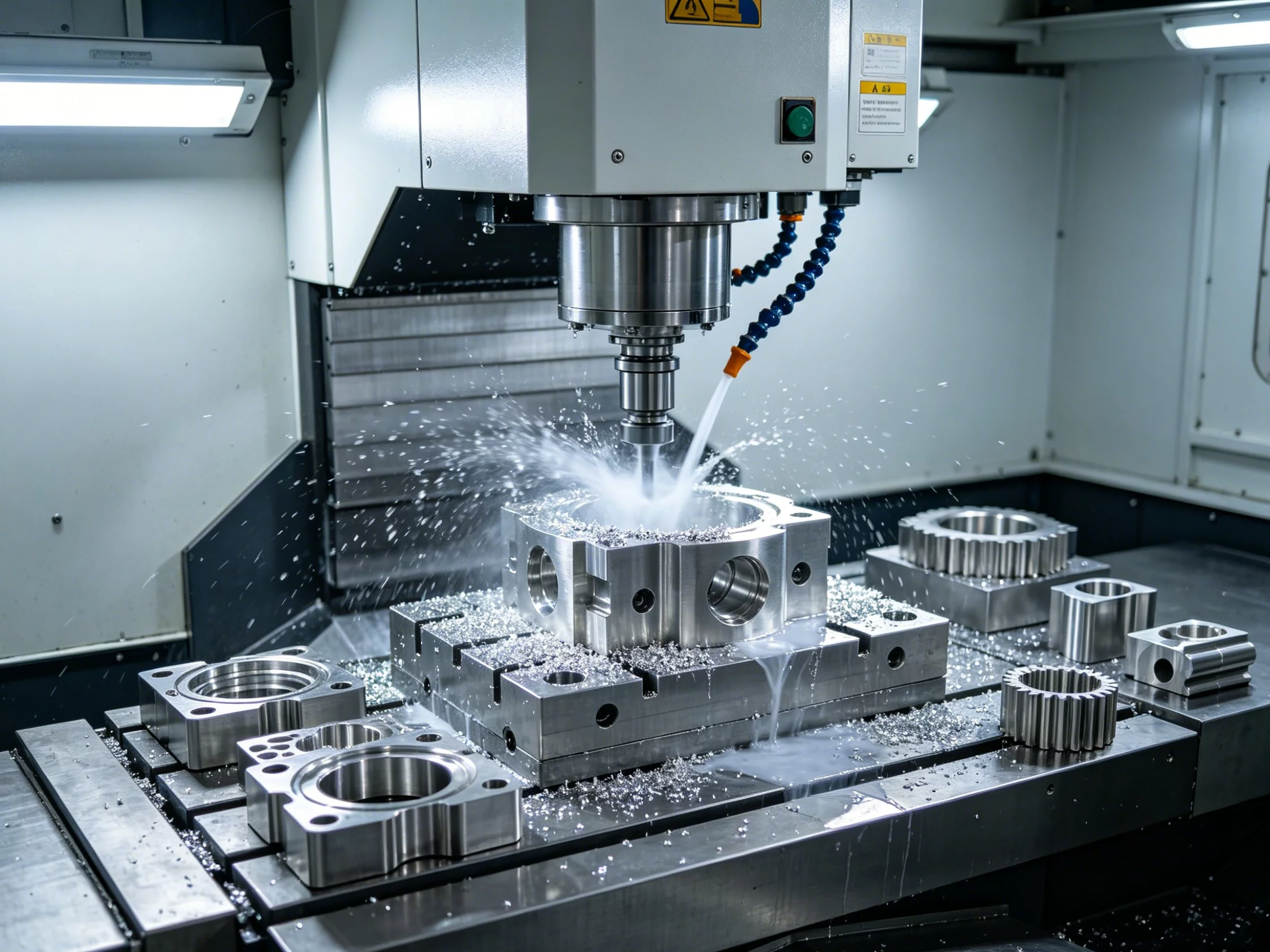
The M00 code is classified as a miscellaneous function code within the CNC machining G-code system. When the CNC controller encounters M00 during program execution, it triggers three simultaneous actions. The machine feed axes stop moving immediately. The spindle comes to a complete halt. The coolant pump and mist systems shut off.
The critical feature that distinguishes M00 from other stop commands is program state retention. The controller holds every variable, coordinate offset, and tool position in memory. The machine remains powered and initialized. No reset is required before resuming operation.
To restart the cycle, the operator presses the Cycle Start button on the control panel. The controller resumes execution from the line immediately following the M00 command. The spindle, coolant, and feeds all return to their programmed parameters without requiring the program to be reloaded from the beginning.
This behavior makes M00 fundamentally different from emergency stops or power interruptions, which can corrupt offsets and require full re-zeroing procedures.
When and Where to Use M00 in CNC Programs
The M00 code serves several distinct purposes in production environments. The most common application is mid-process part inspection. Operators pause the machine to verify critical dimensions using calipers, micrometers, or CMM probes before the program continues to additional cutting passes. This practice catches errors early and prevents scrap on expensive stock materials.
Another frequent use case involves chip removal and fixture verification. In deep hole drilling, pocket milling, or complex 5-axis operations, accumulated chips can interfere with subsequent cuts. An M00 pause gives operators time to clear debris and confirm that workholding remains secure.
Manual tool changes during a long running sequence also benefit from an M00 stop. Instead of automating a tool swap through M06 with potential spindle orientation errors, operators can pause, visually inspect the installed tool, and ensure proper seating before continuing.
The code is equally valuable for secondary operations such as deburring visible edges, applying thread tapping after a drilled hole reaches depth, or measuring surface finish with a profilometer between machining stages.
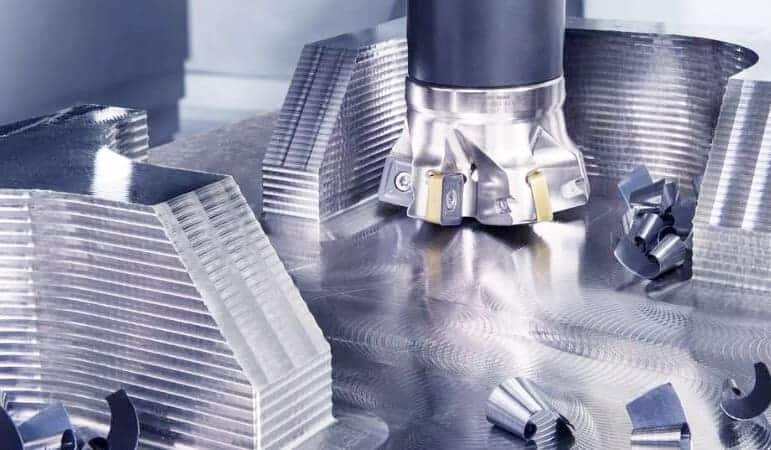
Each application requires the operator to understand the exact point in the program where the pause will have the most diagnostic value without disrupting the overall cycle time.
M00 vs M01 vs M02 vs M30: Understanding the Difference
CNC programmers frequently confuse the stop-related codes because they share similar surface behavior but differ significantly in operational effect.
M01 is the optional stop command. It functions identically to M00 when the optional stop switch is enabled on the control panel, but it is completely ignored when that switch is turned off. This design allows the same program to run either with or without intermediate operator checks depending on production phase needs.
M02 marks the end of a program. It stops all machine functions and returns the program pointer to the beginning of the program sequence. The difference between M02 and M30 is controller-dependent. On many Fanuc systems, M30 also resets tool offsets and macro variables while returning to program start, whereas M02 simply halts and rewinds without clearing those values.
The table below summarizes the core operational difference between these commands.
Choosing the correct command depends on whether the pause is temporary and operator-driven or permanent and program-terminating. Using M02 instead of M00 by mistake will abort the entire operation instead of pausing it, potentially causing unfinished parts and wasted material.
Safety and Process Risks When Using M00
An improperly placed M00 command introduces several risks that directly affect part quality and operator safety. One common error occurs when the pause happens too early in a cutting cycle. The spindle may still be rotating at high RPM when the operator approaches the machine, creating a serious injury hazard.
Another risk involves thermal drift. If a program pauses before the machine and workpiece reach thermal equilibrium, subsequent cuts after resumption may produce dimensions that differ from the intended specification. This effect is especially pronounced in long-running production batches where ambient temperature fluctuates.
Coolant interruption during an M00 pause can also cause problems. If the operator takes too long to complete the inspection, the cutting tool may remain in contact with the workpiece surface while the coolant is off. This can lead to built-up edge formation on the tool and premature wear, particularly when machining aluminum or stainless steel.
Operators must also ensure that the optional stop switch on the control panel is in the correct position when M01 is involved. A misaligned switch can cause an unexpected pause during automated runs or silently skip a required inspection step during manual production, both of which compromise quality consistency.
Best Practices for Programming and Applying M00
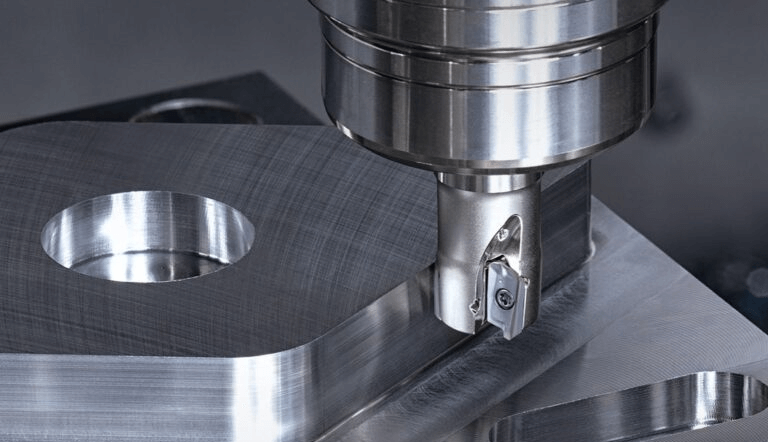
Effective use of the M00 code requires disciplined program design and clear operational communication between programmers and floor technicians. The first practice is placing the stop at a logically safe location in the sequence. Always position M00 after a cutting operation has fully completed and the tool has retracted to a safe clearance position, never during an active cut or while the spindle is still engaged with the material.
Document every M00 placement clearly in the program comments. Include the specific action required during the pause, such as inspect diameter X or remove chips from pocket Y. This documentation reduces ambiguity and ensures that any operator can perform the task consistently regardless of shift or experience level.
Limit the duration of each M00 pause to the minimum time necessary for the required task. Extended idle time increases the risk of thermal growth affecting subsequent operations and reduces overall equipment effectiveness. Train operators to complete inspections efficiently rather than treating every pause as an extended break period.
Before deploying a new program with multiple M00 stops into production, run a dry cycle without material to verify that each pause point aligns with the intended workflow. Confirm that the resumption sequence restores correct feed rates, spindle speeds, and coolant flow without requiring manual intervention beyond the Cycle Start press.
YPMFG supports engineering teams reviewing CNC program structure by providing technical documentation templates, pre-production evaluation reviews, and custom machining solution planning for complex multi-operation parts.
Common Mistakes That Lead to Scrap or Machine Damage
Programmers sometimes insert M00 commands in locations that seem logical on paper but create problems during actual machining. One frequent mistake is placing a pause between the tool change command and the first cutting move. The spindle may still be orienting or the tool holder may not have fully seated when the controller expects the next operation to begin immediately upon resume.
Another error involves assuming that M00 clears the tool radius compensation. Most CNC controllers retain active cutter compensation values across an M00 pause. If the program relies on compensation being reset before resuming, the machinist may unintentionally produce an oversized or undersized feature without realizing the compensation was still active.
Operators occasionally attempt to adjust work offsets while the machine is paused at M00. While the control allows offset input during a hold state, making coordinate system changes during an active production run introduces variation that can affect multiple consecutive parts. Offset adjustments should only occur during programmed setup phases or explicitly documented maintenance windows.
A third mistake is forgetting to re-enable coolant after an extended M00 pause. Some controllers restore coolant automatically upon Cycle Start, while others require manual reactivation. Running the resumed program without coolant, especially during high-speed steel or titanium cutting, can cause rapid tool degradation and poor surface finish.
How M00 Affects Production Efficiency and Part Quality
When applied correctly,M00 enhances both efficiency and quality rather than reducing them. Mid-process inspection allows defects to be identified before additional material is removed, which saves both time and stock compared to discovering errors at the end of a long machining cycle. For high-value aerospace or medical components, this early detection capability directly protects profit margins.
However, excessive use of M00 commands fragments the machining process and adds non-cutting time to each cycle. Programs with ten or more M00 stops will inevitably run slower than optimized continuous cycles, even if each individual pause is brief. The key is balancing inspection necessity against cycle time impact.
Part quality benefits from M00 when it enables measurement verification at critical tolerance boundaries. For features requiring tolerance within ±0.0005 inches, a single well-placed M00 stop allows the operator to confirm the dimension before committing to the final finishing pass. This proactive quality control reduces variation across production batches and improves first-article compliance rates.
Long-term tool life also improves when M00 pauses provide opportunities to check for tool wear, chipping, or built-up edge accumulation. Replacing a slightly worn insert before it causes dimensional drift prevents the production of multiple out-of-spec parts that would otherwise require rework or scrap disposal.
Questions Buyers and CNC Programmers Often Ask
What happens to work offsets when the machine pauses at M00? Work offsets remain active and unchanged during an M00 pause. The controller preserves all G54 through G59 coordinate systems, tool length offsets, and cutter radius compensation values exactly as they were before the stop. Operators should not reset work coordinates during the pause unless explicitly instructed to do so.
Can M00 be used in CNC turning centers the same way as in milling? Yes. The M00 program stop function operates identically on CNC lathes and turning centers. It halts the spindle, stops the cross-slide and turret movement, and turns off the coolant. Operators use it for part measurement, chip clearing, and tool inspection during turning operations just as they would on a milling machine.
Should I use M00 or M01 for a mandatory inspection point in a production program? Use M00 for any inspection or action that must always occur regardless of production mode. M01 should only be used when the pause is truly optional and depends on the operator enabling the optional stop switch on the control panel. Confusing these two commands creates unpredictable program behavior.
How long can a machine safely remain paused at M00? The machine can remain paused indefinitely from a mechanical standpoint, but extended pauses may affect part quality due to thermal stabilization changes, coolant evaporation from exposed cutting zones, and potential workpiece surface oxidation depending on the material. For production environments, limit M00 pauses to the time required for the specified task.
Is M00 available on all CNC controller brands and models? The M00 code is standardized across the vast majority of commercial CNC controllers including Fanuc, Haas, Mazak, Siemens, Okuma, and Doosan. It is defined in the EIA RS-274-D standard that governs part programming. A small number of legacy or specialized controllers may handle pause behavior differently, so verifying the manual for the specific machine model is always recommended.
Can an M00 pause cause the part to shift or move in the fixture? A properly secured workpiece will not shift during an M00 pause. However, if the part is not adequately clamped or if residual cutting forces have not fully dissipated before the pause, the workpiece can settle or vibrate slightly. This risk is higher with tall or slender features that have limited fixture support.
What is the difference between M00 and a feed hold button pause? The Feed Hold button is a manual emergency pause that operators activate during running cycles. It stops motion immediately without regard for program logic. M00 is a programmed command that pauses the machine at a specific, predetermined line in the sequence. M00 provides intentional, controlled stops while Feed Hold is an operator-initiated interruption.
Choosing the Right Approach for Your Machining Operations
Proper use of the M00 CNC code separates well-controlled production environments from operationally inconsistent shops. The command itself is simple, but its impact on part quality, cycle time, and tool life depends entirely on how and where programmers place it within the operation sequence.
Programmers should evaluate every proposed M00 location against three criteria before adding it to the code. The first criterion is necessity. Does this pause serve a measurable quality or safety purpose, or is it inserted out of habit? The second is timing. Is the machine in a safe and stable state at this exact line, with the tool retracted and the spindle stopped under controlled conditions? The third is documentation. Can the floor operator understand exactly what action is required during the pause without consulting additional instructions?
When operations demand consistent results across multiple shifts and machine centers, standardized CNC programming guidelines and reviewed program libraries reduce variability more effectively than individual operator experience alone.
You can send your program structure or machining requirements to YPMFG for an engineering review. We provide custom machining consultations, program evaluation support, and detailed quoting for CNC parts manufacturing projects. Contact us to discuss your next production run or request a technical assessment of your current machining workflow.