 French
  English
  German
  Russian
  Japanese
  Korean
  Spanish
  Italian
  Portuguese
 Réponse rapide :
CAM software for CNC machines translates design files into toolpaths that drive your machine. The right choice depends on your CNC configuration, part complexity, material, and production volume. Before purchasing, verify G-code compatibility, post-processor support, collision detection, and multi-axis capability. For most job shops and mid-volume production, a package that handles 3-axis to 5-axis operations with solid post-processing covers the majority of needs. Mismatched software often leads to rework, scrapped parts,and extended setup time.
If you run a CNC shop or source machined parts, the CAM layer between your CAD model and the machine is where errors silently compound. A wrong software choice will not just slow you down. It can produce inconsistent toolpaths, missed tolerances, and unnecessary material waste. YPMFG works with teams navigating this exact decision, and the factors below reflect what we see most often in CNC parts manufacturing projects.
Why CAM Software Choice Affects Your CNC Output
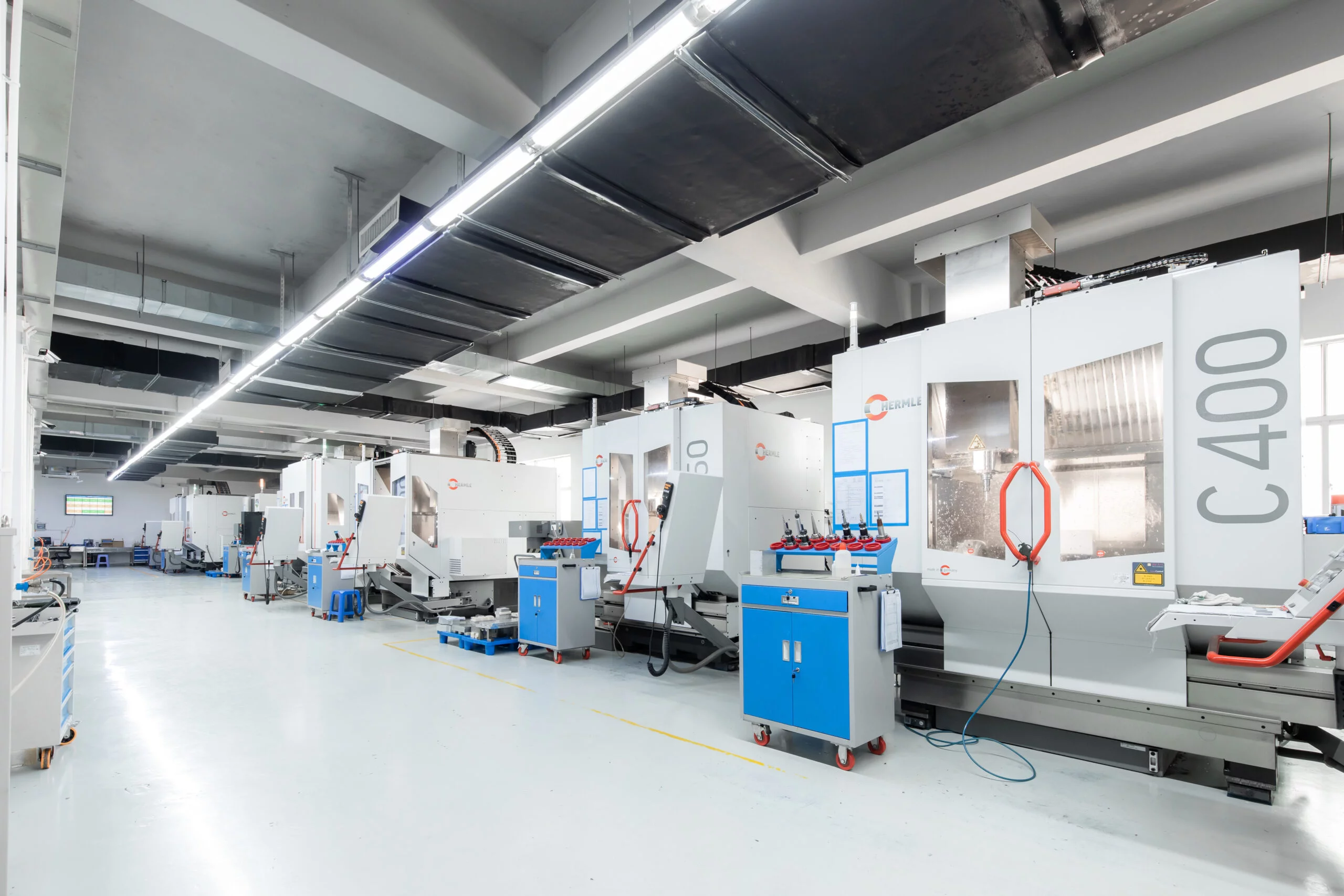
The CAM package you select determines how the machine interprets every cut, feed rate, and tool change. Poorly matched software produces toolpaths that look clean on screen but behave unpredictably at the spindle. This is especially visible when machining tight tolerances or working with abrasive materials like stainless steel or titanium.
In many cases, the issue is not machine capability. It is the post-processor. A generic post-processor may drop machine-specific commands, leaving your CNC controller to guess. That guessing shows up as chattering, surface finish defects, or outright tool crash.
Before evaluating any CAM software for CNC, confirm that a validated post-processor exists for your specific controller and machine model. Ask the vendor for a sample output file you can review on your actual controller.
What to Evaluate Before You Buy
Use this checklist to compare options against your current and planned work.
After reviewing the table, send your highest-complexity part to YPMFG for an engineering review. They can assess whether your current or candidate software will produce reliable toolpaths for that specific geometry and material combination.
How Software Decisions Impact Cost and Lead Time
A well-matched CAM package shortens programming time per part, which directly reduces machine idle time. For a shop running 40+ hours of spindle time weekly, even a 20% reduction in setup programming translates to meaningful throughput gains.
Conversely, under-capable software forces operators into manual G-code editing. That adds labor hours, introduces human error, and stretches lead times on custom CNC parts. Hidden cost spikes often appear three to six months after purchase, when complex parts start revealing toolpath limitations.
The risk is highest in high-mix, low-volume environments. Each new part geometry pushes the software further from its comfortable zone.
Mistakes to Avoid in CAM Selection
Buying on price alone. A cheaper package may lack the multi-axis toolpath strategies your parts actually need, forcing workarounds that cost more in material and rework.
Skipping post-processor validation. Always run a test program through the exact post-processor your shop will use. A file that looks correct in the CAM viewer can produce invalid G-code on the machine.
Ignoring update cadence. Vendors that release post-processor updates infrequently leave you stuck when your machine controller receives a firmware revision.
Oversimplifying the training plan. If only one programmer knows the software intimately, a single absence halts production. Budget for cross-training at least two operators on CNC toolpath generation workflows.
Practical Questions Before Choosing CAM Software
Does the software support my controller brand and firmware version?
Request written confirmation from the vendor. Ask for the exact post-processor file and test it on a bench controller or simulation before committing.
Can it handle my most complex part without manual intervention?
Load your toughest part geometry into a trial license. Measure how much time a skilled programmer needs to produce a clean, collision-free toolpath. If it takes hours, the fit is poor.
What happens when I add a new machine to my shop?
Confirm whether the license covers additional controllers or if you need separate post-processors. This affects scaling costs as your CNC machining capacity grows.
Is there vendor support for post-processor customization?
Some vendors charge significantly for custom post-processor development. Clarify pricing and turnaround time before signing a contract, especially if your machine uses a non-standard controller configuration.
## Need Help Matching CAM Software to Your CNC Workflow?
The right CAM package is not the most feature-rich one on the market. It is the one that reliably produces correct toolpaths for your specific machines, materials, and part geometries.
If you are evaluating options or want a second opinion on toolpath quality, send your part drawings and machine configuration to YPMFG. Their engineering team reviews CAM output, flags potential collision risks, and suggests process adjustments before metal hits the spindle. This step helps catch issues that a screen-only review misses, and it keeps your production scheduling on track without costly trial runs.