Portuguese
 English
 German
 Russian
 Japanese
 Korean
 Spanish
 French
 Italian

The fastest way to learn Usinagem CNC is to pair hands-on machine time with structured theory. You do not need a four-year engineering degree to become productive. Most capable operators and programmers build their skills through G-code fundamentals, shop-floor repetition, and guided part projects. A realistic timeline is 3–6 months to write simple two-axis programs and 12–24 months to handle multi-axis work with confidence.
Most learners stall because they memorize G-code before they understand how material, tool geometry, and machine limits actually interact. This article maps a practical sequence and flags the spots where progress tends to flatten out.
A Practical Learning Sequence
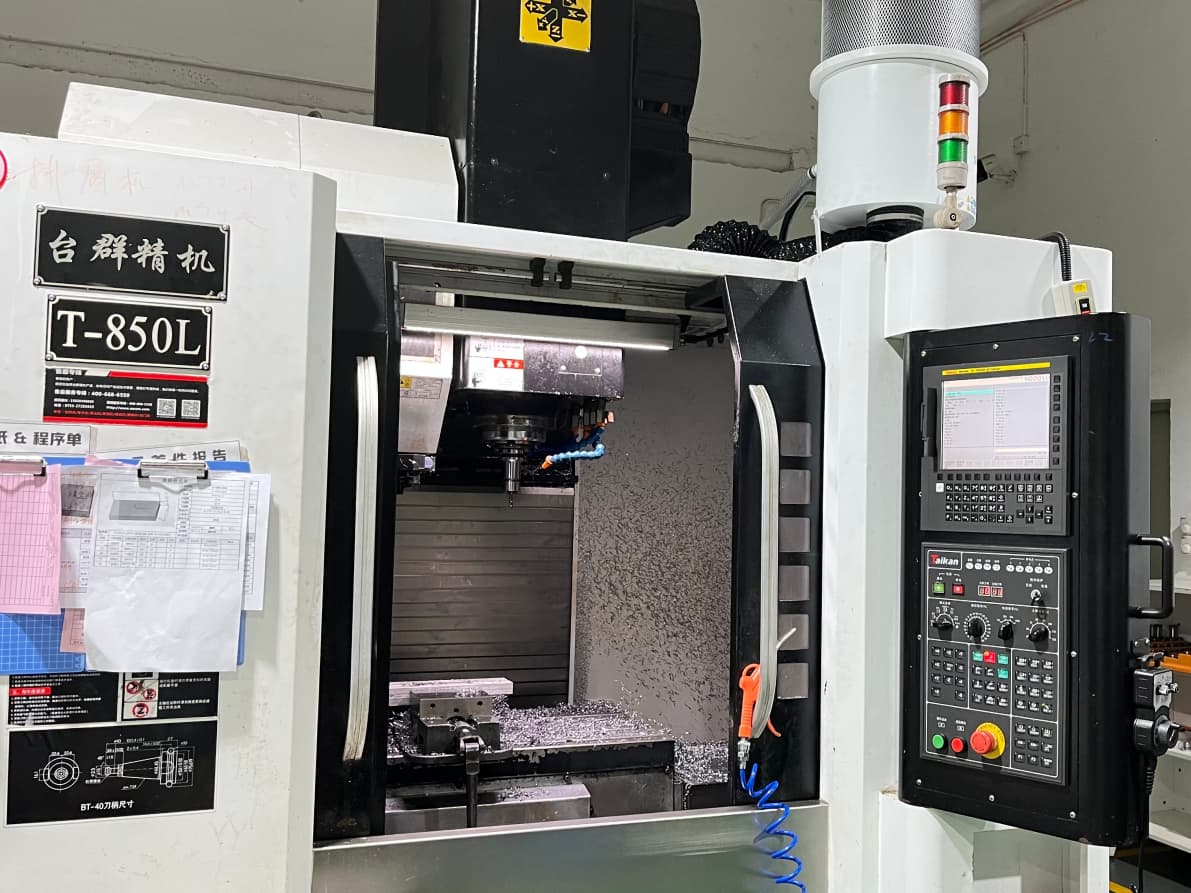
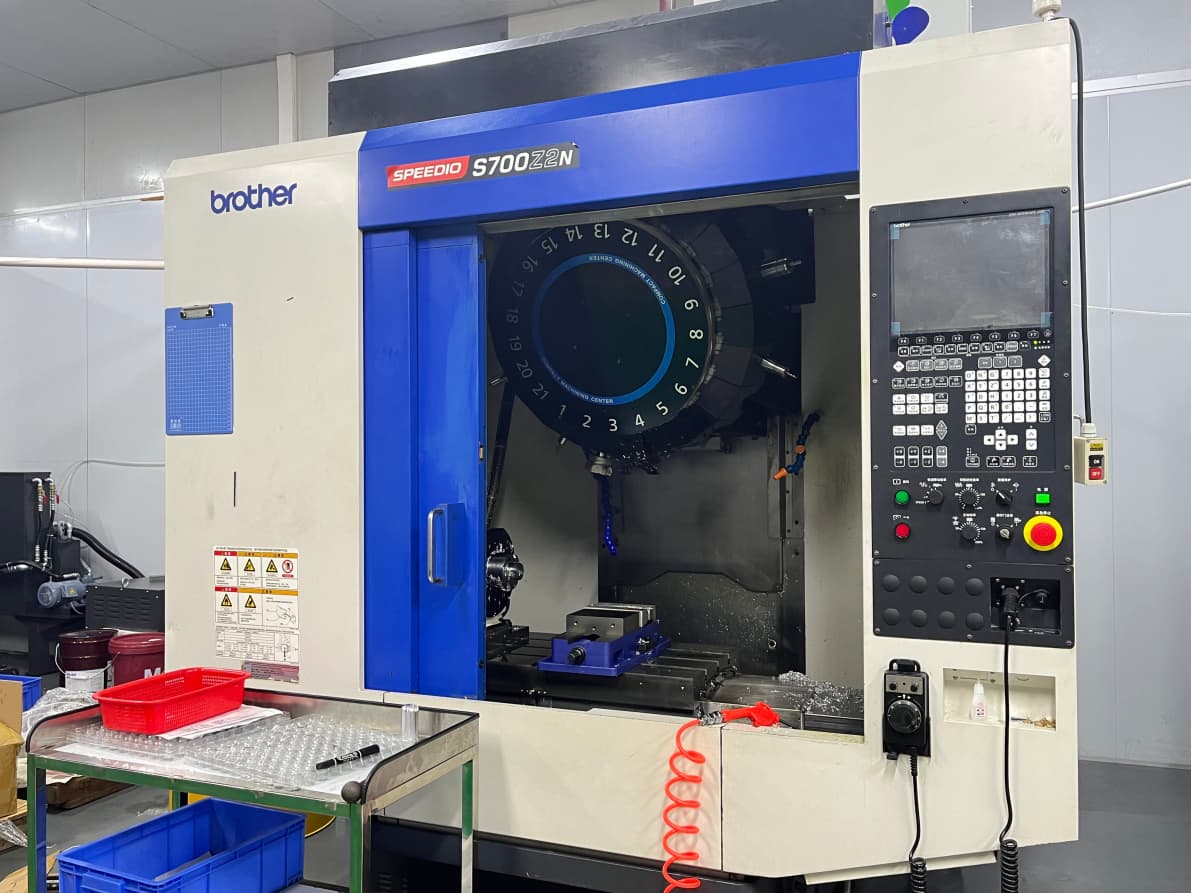
Start with machine fundamentals before touching any software. You need to understand spindle speed, feed rate, tool offsets, and work-coordinate systems. Without that mental model, every line of G-code is just characters on a screen. Spend two to three weeks reading your machine’s operator manual and walking the physical controls.
Next, learn G-code and M-code on a laptop using a simulator such as NC Simulator or SolidCAM’s trial. Write small programs by hand—drill a hole, mill a pocket—before you ever import a CAD file. Hand-writing forces you to internalize the logic instead of hiding behind auto-generators.
Then move into Software CAM. Pick one platform (Fusion 360, Mastercam, or Alibre) and complete five to ten parts of increasing complexity. Focus on toolpath strategy: roughing, finishing, climb versus conventional milling, and chip load.
Finally, run real parts. Even simple aluminum or Delrin pieces on a small desktop CNC build the feedback loop that no simulation can replicate. Measure, compare, adjust, repeat.
Resources That Actually Move the Needle
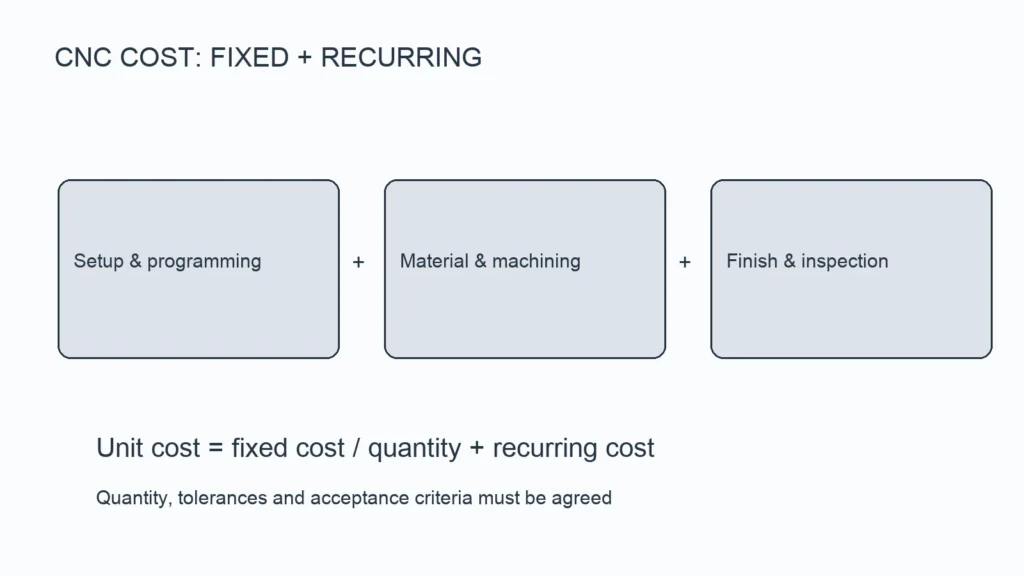
A free CAM license plus a used desktop mill gives you 80% of the learning value for under $1,500. The remaining 20% comes from real shop experience, which is where YPMFG and similar shops can offer short-term mentorship or project-based onboarding.
Where Beginners Typically Get Stuck
Over-theorizing. You can spend months reading about chip formation without ever cutting steel. The fix is a 50/50 rule: for every hour of theory, schedule one hour at the machine or in the simulator.
Skipping tool selection. Escolhendo o certo end mill geometry and insert clearance angle changes your feed and speed by a factor of two or more. Learn to read a cutting-tool catalogue and match material to flute count.
Ignoring post-processor setup. A perfect toolpath will crash if the post does not insert the correct tool-change macros for your controller. Verify post output on a dummy part before running anything with coolant on.
If you are transitioning from hobby projects to production-grade CNC parts, sending your current drawings to YPMFG for an engineering review can surface tolerance, fixturing, and material-heat-treatment questions you would not catch alone.
Common Questions Before You Start
Do I need to know CAD before CAM?
Not immediately. You can learn G-code with hand-drawn sketches. However, importing CAD files into a CAM package will come within your first month, so basic solid-modeling literacy helps you iterate faster.
How long does it take to program a real part confidently?
Most learners can write a clean two-axis pocket-and-drill program within four to six weeks of daily practice. Multi-axis or five-axis work typically takes eight to twelve months of consistent part-building.
Is a desktop CNC enough to learn, or do I need a full-size machine?
A desktop mill teaches tool offsets, workholding, and basic G-code. It will not prepare you for rigid fixturing or high-spindle-speed finishing. Budget for access to a 3-axis or 5-axis industrial machine within your first year.
Which G-code dialect should I learn first?
Start with RS-274 (the ISO standard) because it covers the widest range of controllers. Once that feels natural, add controller-specific blocks (Fanuc, Siemens, Haas) as you encounter them.
Do certifications matter for getting a job?
They help but are not required. What hiring managers look for is a portfolio of parts you have programmed and machined, plus documented tolerance hold rates. A short certificate signals structure; real parts signal competence.
Tomando uma decisão mais inteligente a longo prazo
The core principle is simple: let machine time drive theory, not the reverse. Pick one CAM platform, build a personal library of ten to twenty parts across different materials and tolerances, and review each program against the finished piece. That loop compounds faster than any textbook.
If you want a second set of eyes on your drawings, a suggested toolpath strategy, or a quote on a custom CNC-machined part, you can send your specifications directly to YPMFG for an engineering evaluation. They will flag feasibility, suggest material substitutions where cost is a concern, and provide documentation you can attach to your own learning portfolio.