 French
  English
  German
  Russian
  Japanese
  Korean
  Spanish
  Italian
  Portuguese
 Réponse rapide :
CAD CNC programming converts a CAD model into toolpath code that drives a Machine à commande numérique. The process involves interpreting solid geometry, selecting cutting parameters, and generating post-processed G-code for a specific controller. In practice, most quality issues arise not in the 3D model itself but in how tolerances,material behavior, and tooling constraints are communicated between the design team and the shop floor. Getting this translation right directly affects part quality, cycle time, and total project cost.
Many buyers send a CAD file to a machining shop and expect the part to simply appear. What often happens instead is a cycle of revisions, because the program was built on assumptions that did not match the actual material grade or tolérance requirements. YPMFG works with engineering teams that want to reduce that back-and-forth before the first cut is made.
What CAD CNC Programming Involves
The starting point is always a solid 3D model, typically in STEP, IGES, or native CAD format. The programmer breaks the part into discrete operations: roughing, semi-finishing, and finishing passes. Each operation requires a defined tool geometry, feed rate, and spindle speed.
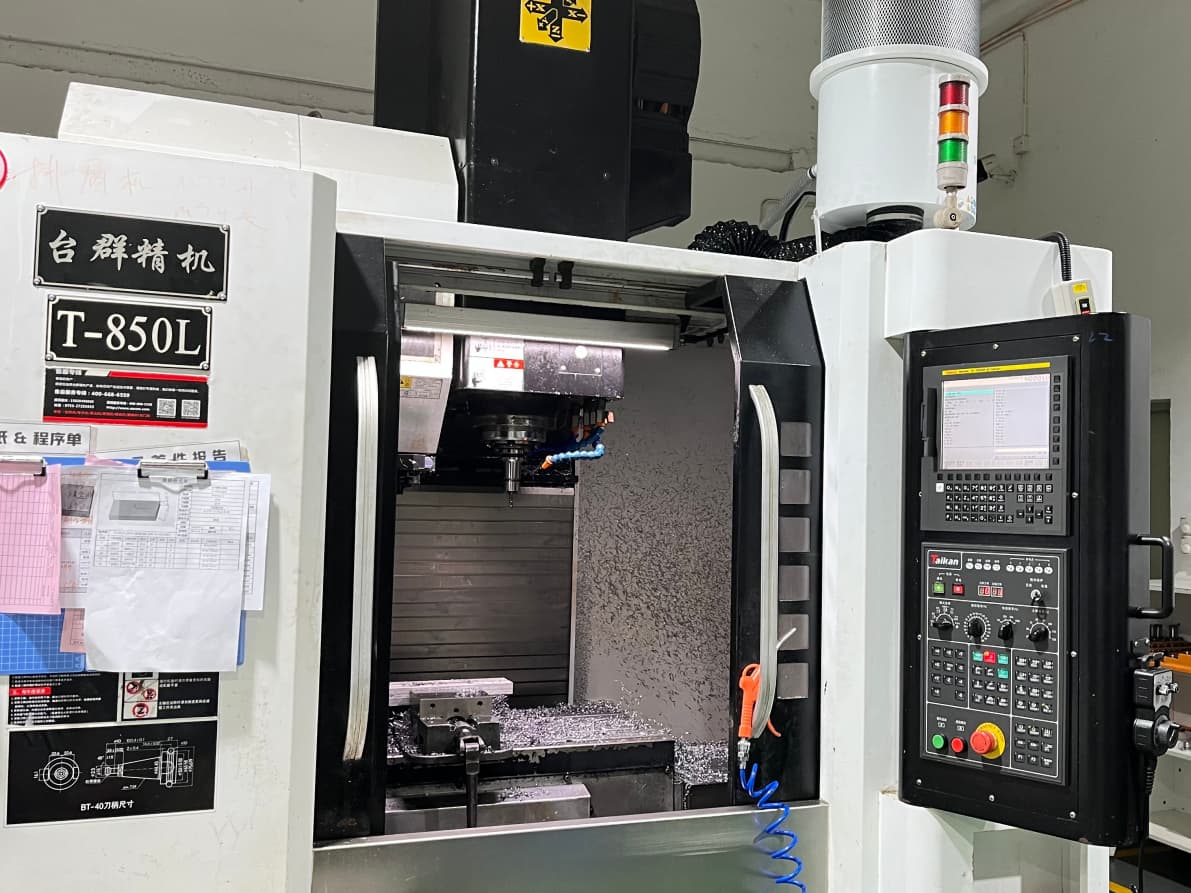
From there, CNC programming software generates toolpaths and post-processes the code for a specific machine controller. The output is not one-size-fits-all. A program written for a 3-axis vertical mill differs significantly from one built for a 5-axis simultaneous machining center or a lathe with a live tool.
Material choice changes every parameter. Cutting aluminum 6061 at 300 m/min with an 8 mm end mill is routine. The same feed on titanium Ti-6Al-4V will crater the tool in seconds. A skilled programmer adjusts parameters based on the actual material condition and heat treatment, not just the drawing callout.
The end result is a set of machine-ready programs, verified on screen or on a test run before any production part is cut.
Common Errors in CAD-to-CNC Translation
These mistakes are the top reasons for scrap, rework, or schedule delays:
Missing or ambiguous tolerances. A hole with no specified tolerance can be programmed at ±0.5 mm or ±0.01 mm. The functional outcome is completely different.
Unrealistic surface finish calls. Requesting a 0.4 µm finish on a deep cavity without specifying the tool strategy leads to excessive cycle time or a secondary grinding operation.
No tool access or fixturing notes. A CNC programmer cannot infer how the part is clamped. If a tool cannot reach a feature without hitting the fixture, it will either skip the area or trigger a crash alarm.
Wrong unit system in the model file. A model saved in inches and programmed as millimeters produces a part that is off by a factor of 25.4.
Each of these errors compounds quickly. One missed tolerance triggers a rework loop, which adds labor cost and delays your downstream assembly schedule. The fix is almost always cheaper at the design review stage than after metal has been cut.
A Checklist Before Sending Your File
Use this list before you upload or email your model to any CNC shop:
If you are unsure which items apply to your particular part, you can send the file to YPMFG for a short engineering review before committing to a full quote. The goal is to catch gaps while the cost of fixing them is still low.
Common Questions About CAD CNC Programming
Will any 3D file work for CNC programming?
Not reliably. STL and OBJ files are faceted and lose exact surface geometry. STEP files or native CAD data are preferred because they preserve true dimensions and surface continuity, which is critical for accurate toolpath generation on curved features.
How long does programming typically take?
Simple 2-axis parts may be programmed in under an hour. Complex multi-operation components with tight tolerances and multiple setup positions can take several days. The number of features, tool changes, and machine setup requirements are the main drivers of the timeline.
Do I need to write the G-code myself?
No. Most CNC machining services handle programming in-house. You provide the model, material spec, and tolerances; the shop builds the toolpaths and post-processes the code for their specific controllers. You should, however, review the program plan for critical features before production starts.
What should I look for in a CAM program before production?
Verify that the tool selection matches the material, that rapid moves clear the part and fixture, and that the finishing strategy achieves the specified surface finish without excessive step-over. A quick screen mock-up or test cut catches most issues before the first real part is made.
Choosing the Right Approach for Your Project
The goal is not just to get one part made. It is to build a repeatable, documented machining process so the next order runs faster, with fewer surprises, and at a predictable cost per unit. That means pairing your design intent with a machining partner who can read your file, flag risks early, and adapt the program as your specifications evolve.
If your next project involves tight tolerances, mixed materials, or a compressed delivery window, send your CAD data to YPMFG for an engineering assessment. You will receive a clear read on what is feasible on available machines, what the cycle time looks like, and where the cost drivers sit before you commit to a full run.