Italian
  English
  German
  Russian
  Japanese
  Korean
  Spanish
  French
  Portuguese
A Pezzo lavorato a CNC is only as good as the specification behind it. Before sending your drawing to a shop, you need four core elements: a complete 3D model or 2D drawing with all dimensions called out, a scelta dei materiali with grade and condition, critical tolleranze flagged separately from general notes, and a surface finish requirement. Skipping any of these forces the machinist to guess. Guessing adds revision cycles and can shift your total part cost by 15 to 30 percent.
Most buyers discover this the hard way. They send a vague PDF, receive a quote three weeks late, then spend another two weeks on clarification emails. The part that finally arrives still has one mismatched dimension.
What a CNC Shop Actually Needs From Your Part Spec
Geometry and Tolerances
Your drawing must show every feature that affects fit, function, or assembly. A general note like “all dimensions ±0.5 mm” is not enough. Flag the two or three critical dimensions that determine whether the part installs correctly. State the acceptable range for each, and note whether the Tolleranze critiche are unilateral or bilateral. Without that clarity, the shop applies its default, which may not match your application.
Material Callout
Call out the material by grade and condition, not just by name. “Steel” is not a specification. “1045, annealed” or “6061-T6” is. If your part sees cyclic loading, elevated temperature, or corrosion, add a note. The material choice drives tooling, cutting speeds,and sometimes the entire manufacturing route.

A Practical Part Specification Checklist
Use this checklist to audit your file before you send it out.
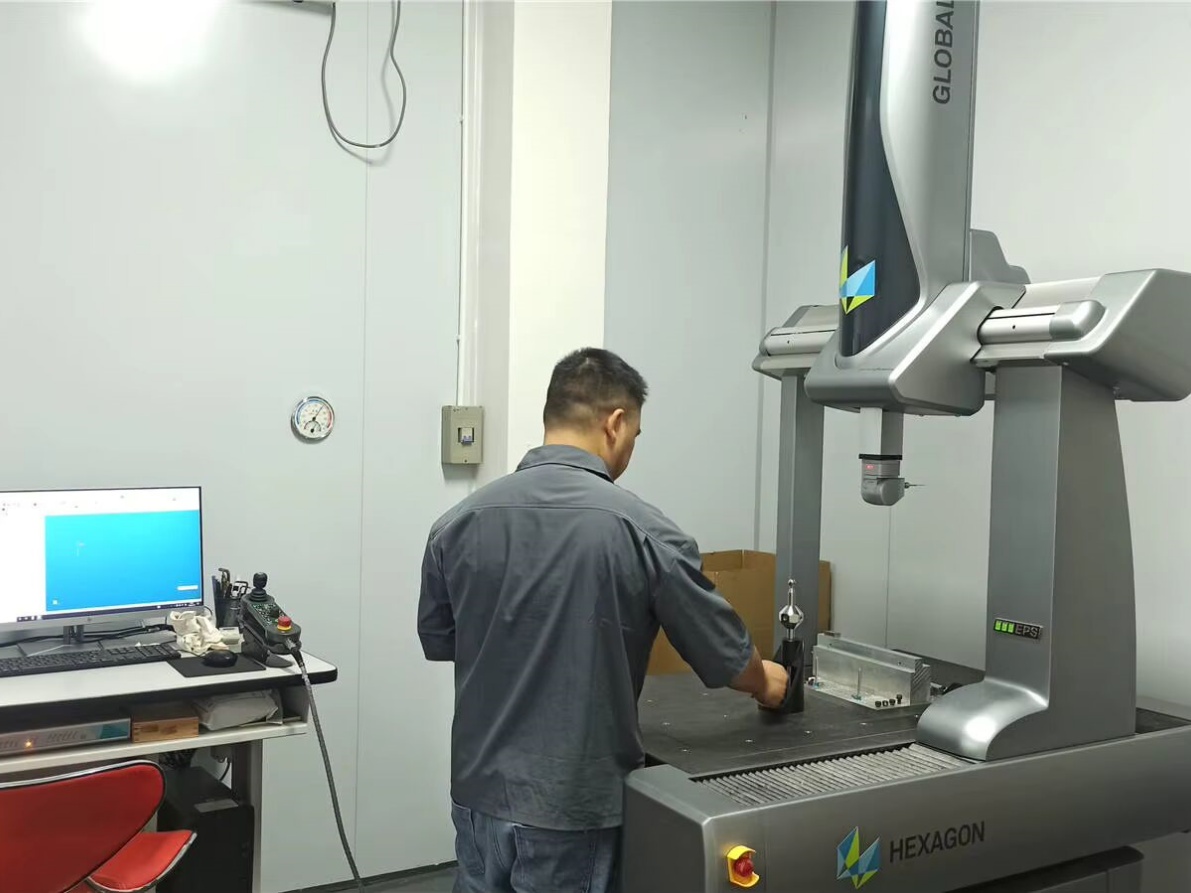
YPMFG esamina i part specification files against this checklist before quoting. If a critical dimension is missing or a material callout is ambiguous, the engineering team flags it in the first response rather than building on an assumption.
Cost Factors That Change With Your Part Design
Before finalizing a drawing, check these design levers:
Wall thickness and feature depth. Very thin walls or deep, narrow pockets increase machining time and deformation risk. A 1 mm wall on a 60 mm part is a different budget than a 10 mm wall.
Setup orientations. Each flip or re-clamp adds fixture time. Designing features that can be machined in fewer setups lowers the per-part cost.
Thread method. Specify whether threads are cut, rolled, or formed. Tapped threads on hardened material can double the operation time.
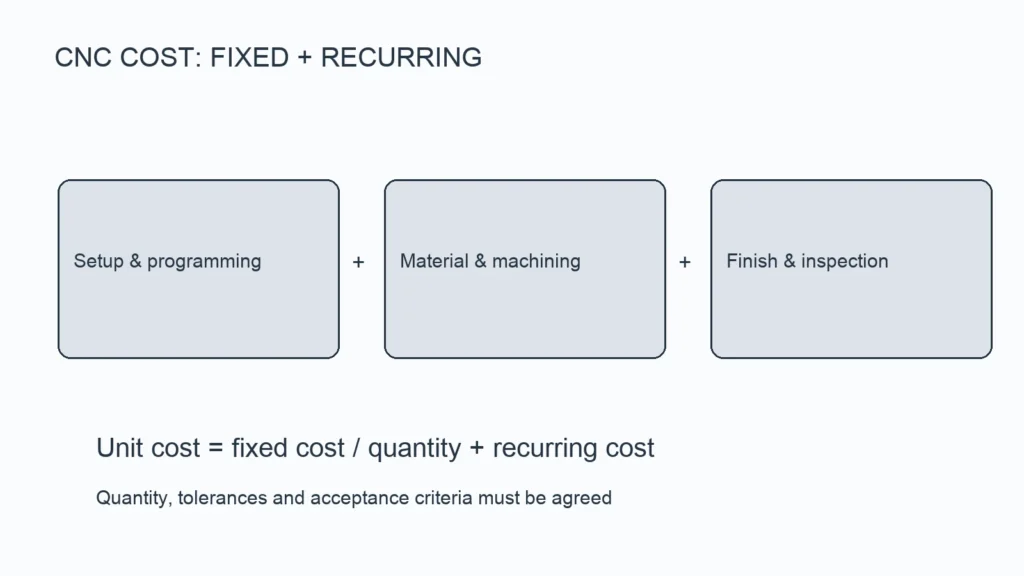
Dimensione del lotto. A 500-part run justifies dedicated tooling and CAM optimization that a 5-part prototype does not.
These choices interact. A small geometry tweak that eliminates one setup often reduces total cost more than any material substitution.
Questions Buyers Often Ask About Machined Parts
Can I just send a rough sketch and let the shop figure it out?
Not for anything beyond a simple bracket. A rough sketch leaves dimensions, tolerances, and material conditions to interpretation. For functional or safety-critical parts, send a complete drawing or 3D model. If your file is still in an early stage, request a revisione tecnica before committing to production.
What tolerance should I specify if I am not sure?
Default to the shop’s standard general tolerance, which is often ±0.2 mm for milled features. Then override only the dimensions that affect assembly, clearance, or load path. Over-specifying tolerance on every feature raises cost without improving function.
Do I need to state the heat-treatment condition?
Yes, if the part must meet a hardness or fatigue-life target. “4140, quenched and tempered to 28–32 HRC” is a clear instruction. Leaving it as “4140” gives the shop no target and shifts the risk to your incoming inspection.
What file formats does a CNC shop prefer?
Native CAD files (SolidWorks, Fusion 360) are ideal because they carry feature history. STEP and IGES are the standard exchange formats. PDF drawings work for 2D reference but do not support 3D verification. Send the native file whenever you can.
Getting Your Part Right the First Time
The single biggest time-saver in CNC part procurement is a complete, unambiguous specification. If you are working with a componente personalizzato that has tight tolerances, unusual material, or a mix of machined and post-machined features, a pre-production review catches issues before tooling is cut.
You can send your part files and notes to YPMFG for a specification review and quote. The team will check your drawing against the checklist above, flag anything ambiguous, and confirm whether your material, tolerance, and finish requirements are achievable within your target quantity and timeline. No minimum order for the review; you get a written response before you commit to a production run.