Japanese
  English
  German
  Russian
  Korean
  Spanish
  French
  Italian
  Portuguese
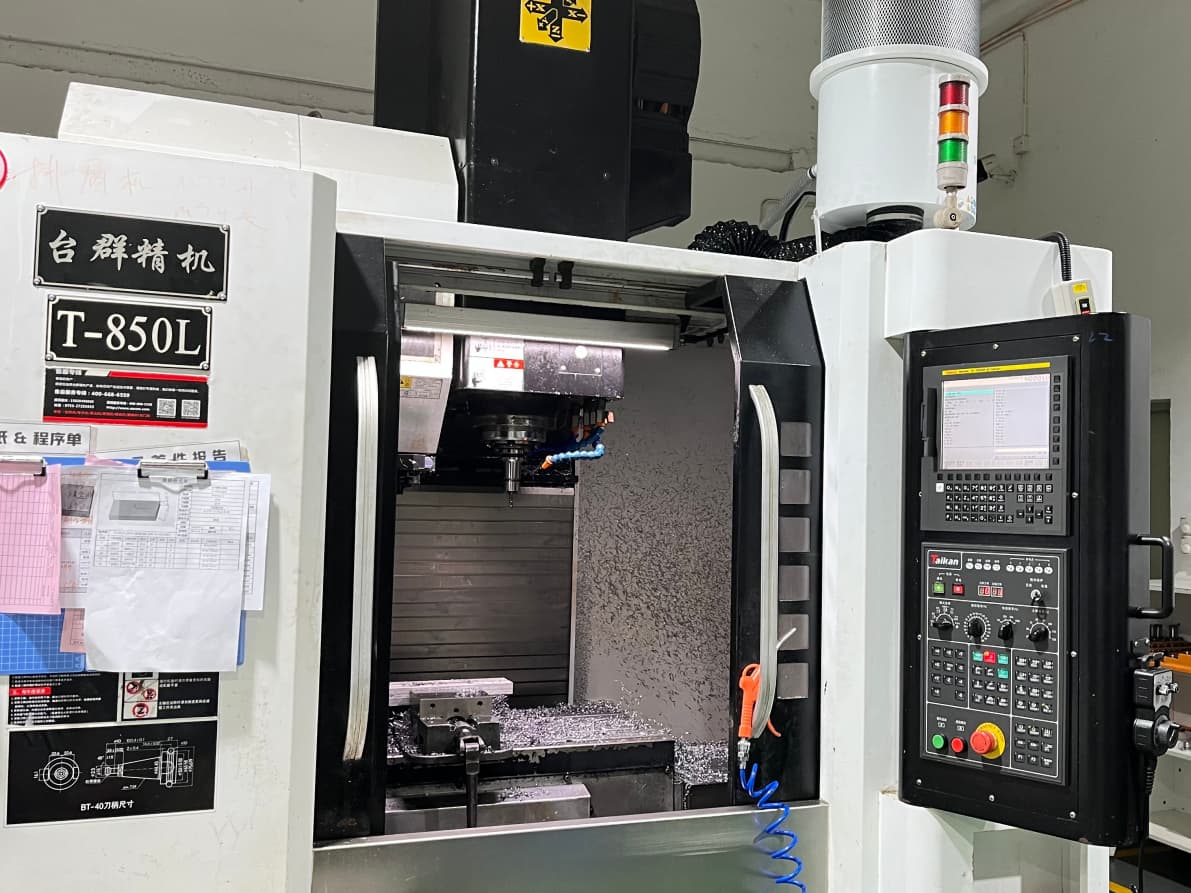
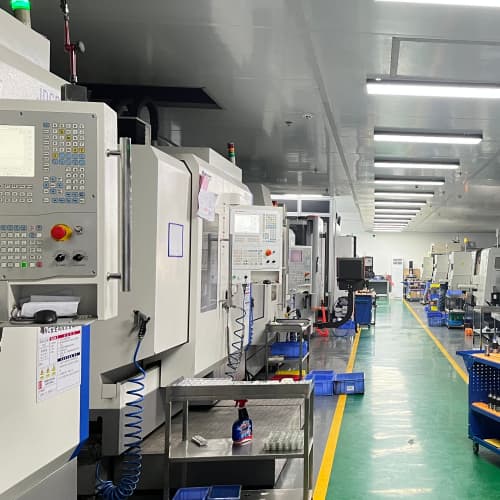
A CNC machine and software pairing is the operational core of precision manufacturing. The machine performs the physical cutting, while the software converts your CAD design into executable toolpaths. Without proper integration, even a high-spec machine will underdeliver, because post-processor support and operator skill matter as much as raw axis count.
YPMFG works with CNC mechanical parts projects where matching the right software stack to your part geometry is a prerequisite to meeting tolerance and delivery schedules.
Many procurement teams treat the CNC machine as the purchase and the software as an afterthought. A misconfigured post-processor or an incompatible CAM license can stall production for weeks. The real question is not “which machine?” but “which machine-software combination fits my tolerance, material, and volume?”
How CNC Machine & Software Work Together
The workflow is linear but tightly coupled. Your design starts in CAD, moves to CAM software for toolpath generation, then passes through a post-processor into G-code the controller can read. Each handoff introduces a window for error.
A toolpath that simulates cleanly in Fusion 360 may produce chatter marks on a 3-axis mill if spindle rigidity does not match the cutting strategy. CNC machine controller protocols from FANUC, Siemens, and Heidenhain each require distinct post-processor configurations.
YPMFG reviews part files against controller compatibility before quoting a custom machining project, so the software stack is confirmed before tooling is ordered and the first article is cut.
Software Categories You Will Encounter
Software in a CNC shop sits in three functional layers:
CAD (Computer-Aided Design): creates or imports the 3D solid model.
CAM (Computer-Aided Manufacturing): generates toolpaths, selects cutters, sets feeds and speeds.
Post-processor / Controller layer: translates finished toolpaths into machine-specific G-code.
Some platforms like SolidCAM or Alphacam merge CAD and CAM into a single interface. Others, like dedicated CNC post-processor utilities, handle only the controller translation step. Your choice depends on part complexity and whether you run 3-axis, 4-axis, or 5-axis operations.
Selection Criteria That Actually Matter
Before comparing machine models, lock down the parameters below. Each one filters your software options significantly.
Cross-checking these factors against your part drawing before purchase avoids the most common post-installation surprises. YPMFG can run a feasibility review on your geometry and recommend a compatible machine-software stack before you commit to a capital spend.
Hidden Costs Buyers Often Miss
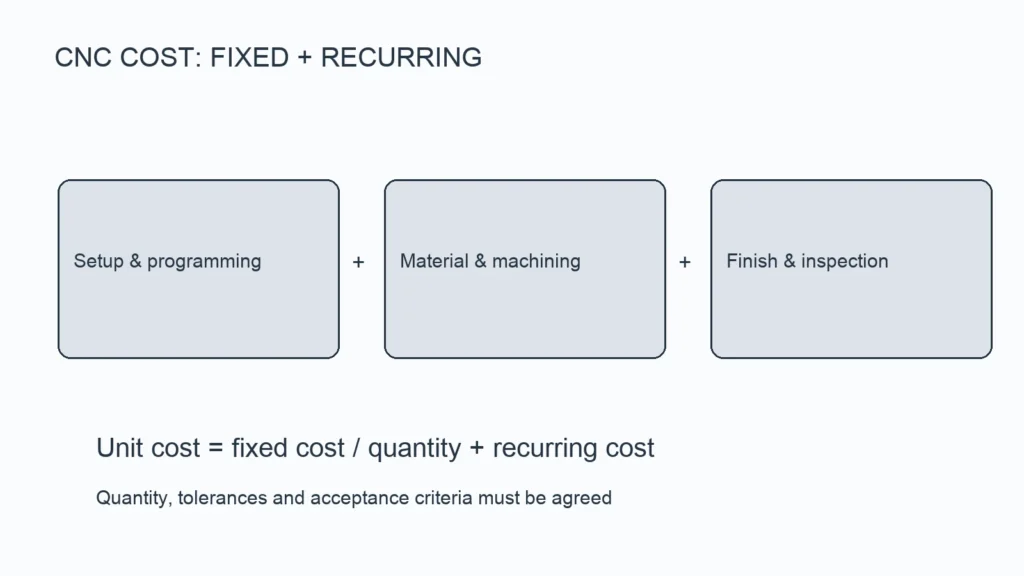
Licensing fees are only the starting point. Build your budget around these recurring items:
Annual CAM subscription, typically $500 to $3,000 per seat depending on feature set.
Post-processor updates whenever the controller receives a firmware patch.
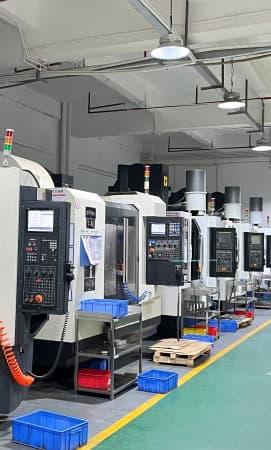
Operator training hours; a 5-axis setup can require 40 or more hours before stable output.
Tool library alignment; CNC加工 software assumes standard inventories that may not match your existing shop floor.
A machine that saves $5,000 upfront but forces a $2,000 per-year renewal can lose ground by the second year. Model total cost of ownership over five years, not just the invoice price.
Common Questions About CNC Machine & Software
Can one CAM program drive different CNC machines?
Toolpaths are portable, but G-code is not. You will need a post-processor for each controller brand. Many CAM suites include free post-processors; others charge per machine model.
What software do most contract machinists use?
Fusion 360, Mastercam, and SolidCAM cover most 3- and 5-axis work. Shops running aerospace or medical parts often add Vericut for collision simulation before running the job.
How do I verify compatibility before purchase?
Request the post-processor file for your specific controller version from the CAM vendor. Run a test toolpath through it and compare the G-code output line by line against your machine manual.
Does the machine warranty cover software faults?
Typically no. Machine warranties cover mechanical and electrical faults. Software bugs and post-processor issues go through the CAM vendor’s support channel, which may carry its own SLA and fee structure.
Can I switch CAM software mid-project without re-cutting?
In many cases, yes. Export the model from the old platform, re-simulate in the new one, and regenerate toolpaths. However, verify that the new software supports your material library and cutter set before migrating.
Making the Right Pairing Decision
The right combination depends on part geometry, material mix, and production volume. There is no one-size-fits-all stack. If your part list includes tight-tolerance features in difficult materials, lean toward a 5-axis machine paired with CAM that supports multi-axis toolpath simulation.
Send your drawings and specifications to YPMFG. Our engineering team will review part requirements, recommend a compatible machine-software pairing, and deliver a manufacturing feasibility assessment before you commit to a purchase.